Windows dictation, done properly
Dictation software for Windows that writes polished text, not raw transcripts
Detto is a dictation app for Windows 10 and Windows 11. You hold Ctrl+Win, speak naturally, and release: Detto inserts clean, punctuated, ready-to-send text exactly where your cursor is — in email, chat, documents, browsers, CRMs, or code editors. It is sold once, for €22, as a lifetime license with automatic updates and two personal installations. There is no subscription.
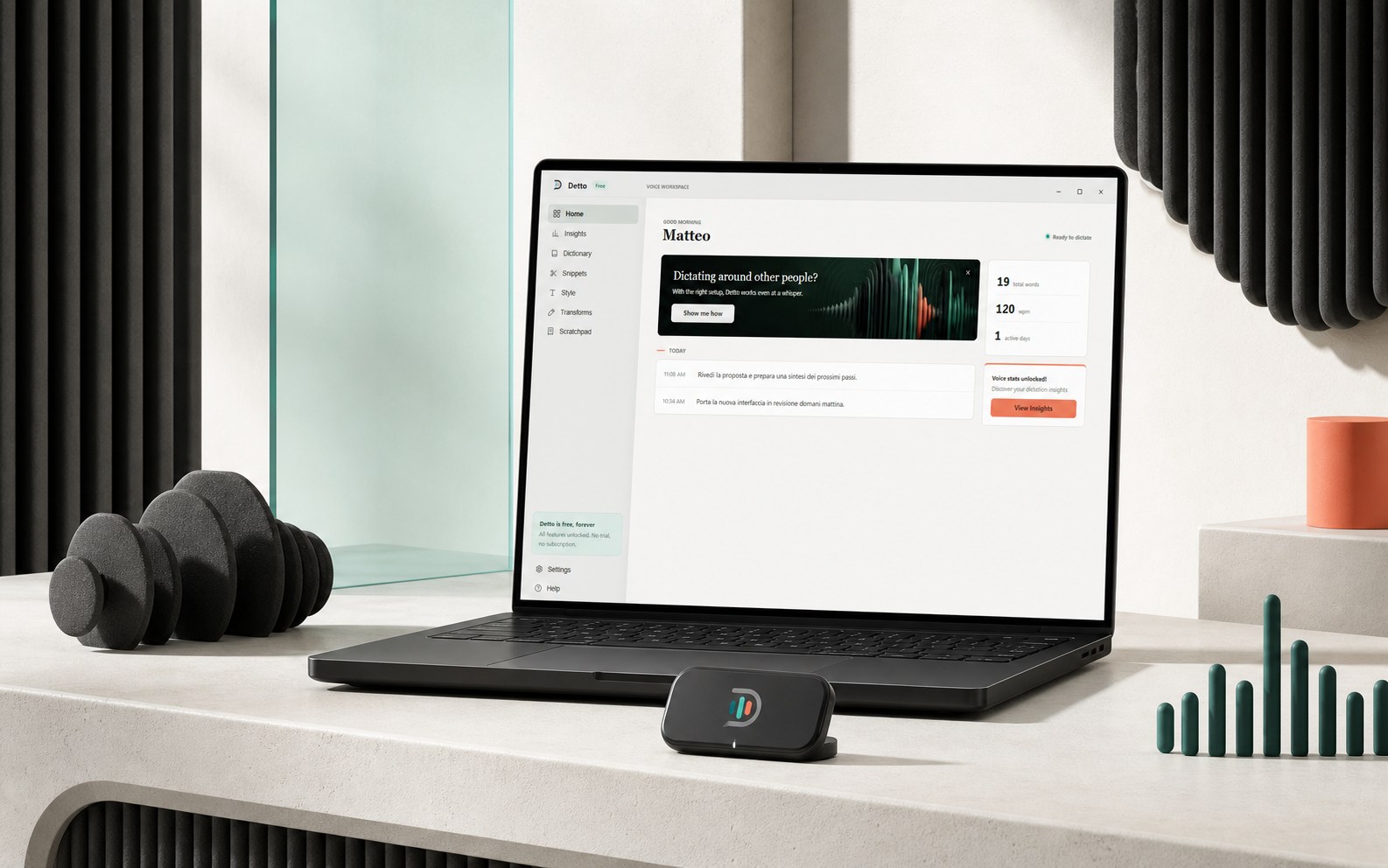
What makes Detto different from raw speech-to-text
Most speech recognition types what it hears, literally — hesitations, missing commas, lowercase names. Detto adds an AI cleanup pass between your voice and the text: filler words disappear, punctuation and capitalization are fixed, and your personal dictionary keeps names, acronyms, and technical terms spelled the way you decided. The result reads like something you typed carefully, at the speed you can speak.
How it works
- Hold Ctrl+Win and talk. A small floating island shows the live spectrum of your voice. Release the keys and the polished sentence appears at your cursor.
- Lock hands-free when you need longer. Double-tap the shortcut, or click the microphone on the island, and Detto keeps listening until you confirm or cancel.
- Format for the destination. Win+Alt cycles transforms — Auto, Messages, Email, Prompt Engineer — so the same dictation comes out casual in a chat and structured in an email.
The island docks to any edge of the screen and stays out of the way. Quiet speech uses adaptive signal analysis and bounded gain, while the spoken language is auto-detected. Recognition still depends on the microphone, distance, room noise, and configured speech provider.
Detto vs. Windows built-in voice typing (Win+H)
| Windows voice typing | Detto | |
|---|---|---|
| Output | Literal transcription | Polished, punctuated text |
| Personal dictionary & snippets | No | Yes, with auto-learned suggestions |
| Per-destination formatting | No | Email / message / prompt transforms |
| Voice to-do list | No | Tasks with projects, priorities, deadlines |
| Price | Included | €22 once, lifetime |
More than dictation
- Quiet voice profiles: Auto balances daily use, Quiet voice recovers softer speech, and Noisy room rejects background sound more aggressively.
- Voice to-do list: press Ctrl+Alt+T, speak your plan, and Detto builds organized tasks with projects, priorities, and natural-language deadlines — and checks tasks off when you say you finished them.
- Snippets: a spoken trigger expands to saved text — addresses, sign-offs, boilerplate — even mid-sentence.
- Insights: speaking pace, session history, and daily activity, all stored locally.
Setup in minutes, on your own free AI accounts
Detto runs on your own keys: a free Groq key for speech-to-text and Ollama (cloud key or a fully local install) for text cleanup. Paste them once into Settings and you are done — Detto has no AI markup costs to pass on, which is how the €22 lifetime price works. See the FAQ for details, including the one-time Windows SmartScreen notice new apps get.
Get Detto — €22, once. One payment, two devices, updates for life.